How do I add a competitor in Position Tracking?
You can attach up to 20 competitors to a single Position Tracking campaign. To add a competitor, click on “Add” or a number next to the “Competitors” button at the top of the interface. A new window will pop up where you will be able to add any domain.

However, you can only view up to 5 domains (including your own) at a time in the Visibility Trend graph. Click on any domain in the bar highlighted below to select another competitor for comparison.
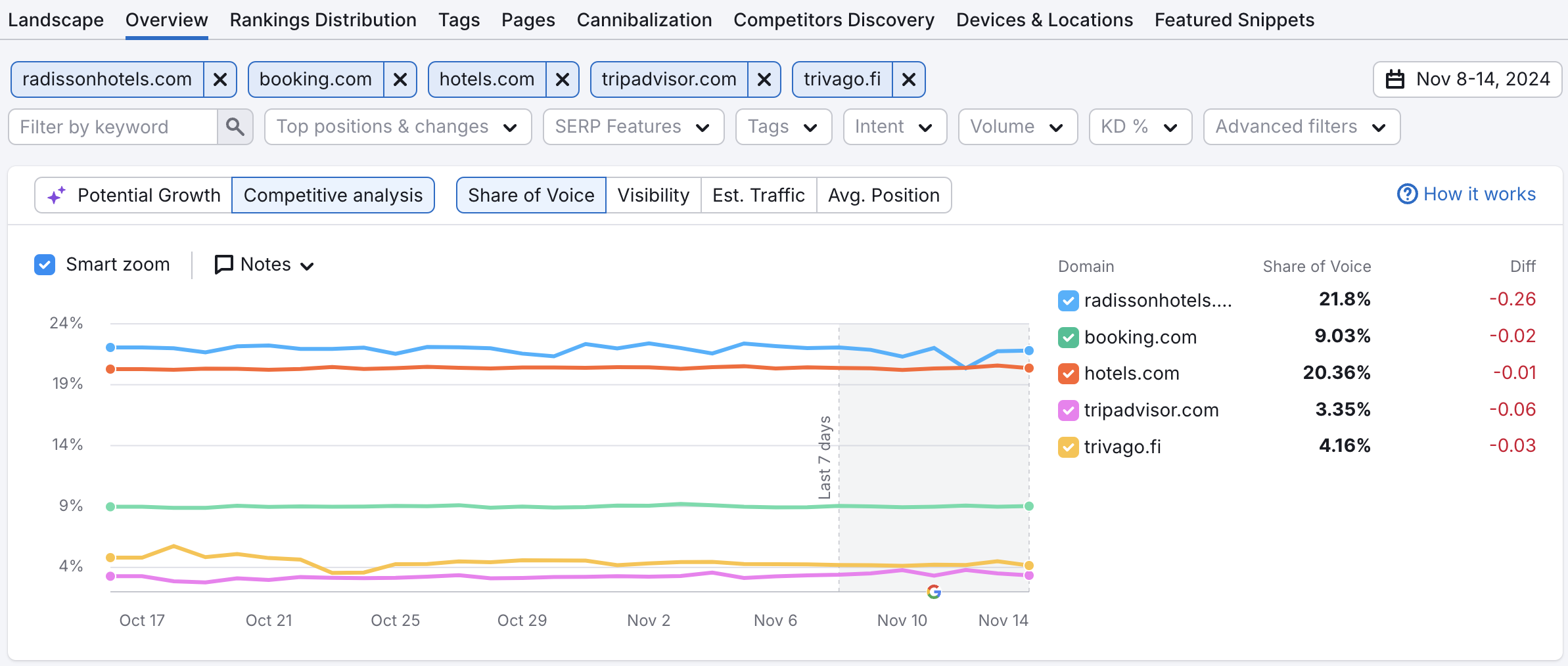
You can add or delete domains from your competitor list at any time. Use the Competitors Discovery tab to find out which websites are competing with you the most.
 Terug naar Semrush Toolkits categorie